
On July 1, Palantir CEO Alex Karp went on CNBC and said, of enterprise AI broadly, "something has gone completely wrong." His complaint was blunt: companies are burning budget on token-based AI, getting little of value back, and handing their most sensitive operating data to someone else's model in the process. He wasn't talking about supply chain. He could have been. CIO.com reported this year that only 5% of enterprises consider their data ready for AI at production scale, and up to 90% of enterprise data goes unused for analytics. Supply chain planning has its own, more concrete version of this problem: planners spend 70% of their time gathering data instead of deciding anything, and a single what-if scenario analysis still takes four to six weeks at most companies.
That's not a pilot problem — it's an architecture problem. It's why we built Supply Chain Canvas, an AI Native Planning and decision intelligence layer designed to get supply chain teams past the pilot stage and into daily, production use in weeks.
Enterprise AI Is Stuck in Pilot Purgatory — Supply Chain Is No Exception
The pattern CIO.com describes — pilots that never reach production, data that isn't structured enough to support real decisions — shows up everywhere in supply chain planning. Most "AI" bolted onto legacy planning tools is a chat interface sitting on top of the same static, quarterly-cycle architecture that has run supply chains for twenty years. It can summarize a report. It cannot run a supplier disruption scenario against your actual inventory and financial data in real time, and it cannot do it again next week when conditions change.
That gap matters more now than it did five years ago. Supply chain volatility — tariffs, supplier shutdowns and demand swings — isn't an occasional event anymore; it's the operating condition.
Teams that can only run scenario analysis once a quarter are, by definition, planning for a version of reality that's already stale. The tools didn't fail because the underlying AI is weak. They failed because nobody rebuilt the planning process around continuous, fast decision-making. Bolting a chatbot onto that process doesn't fix it, it just adds a friendlier interface to a slow system.
AI Native Planning Means Platform, Not Point Tool
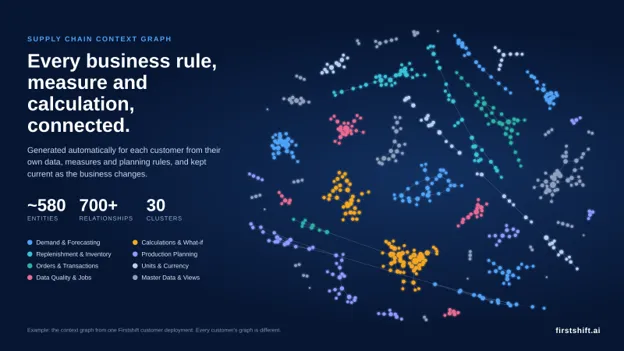
Karp's underlying argument, stripped of the theatrics, is one we agree with: the differentiator was never going to be the language model. Every vendor has access to roughly the same models. The differentiator is domain context — the structured knowledge of demand, supply, inventory, logistics, finance, and risk that turns a generic model into something that gives a planner a specific, correct, defensible answer.
That's the case for a platform approach over a point tool. A point solution can wire an LLM to your data and answer simple questions. A platform ships with the supply chain domain model already built — the formulas, the diagnostic logic, the industry-specific knowledge for verticals like CPG, high tech, and industrial — so scenario analysis, demand sensing, and inventory optimization work out of the box on day one, not after a year-long configuration project with a systems integrator. AI Native Planning, done properly, means the architecture and the domain expertise are native to the platform together. Neither one alone gets you there.
Introducing Supply Chain Canvas: Answers, Agents, and Insights
Supply Chain Canvas is built on three components, each solving a different part of the "pilot to production" gap.
Canvas Answers lets planners ask complex questions in plain English and get instant, data-backed responses including full scenario analysis. "If our top supplier shuts down for three weeks, what happens to Q3 delivery commitments, and what are our best rebalancing options?" isn't a report request anymore. It's a question you can ask on a Tuesday afternoon and act on by Wednesday.
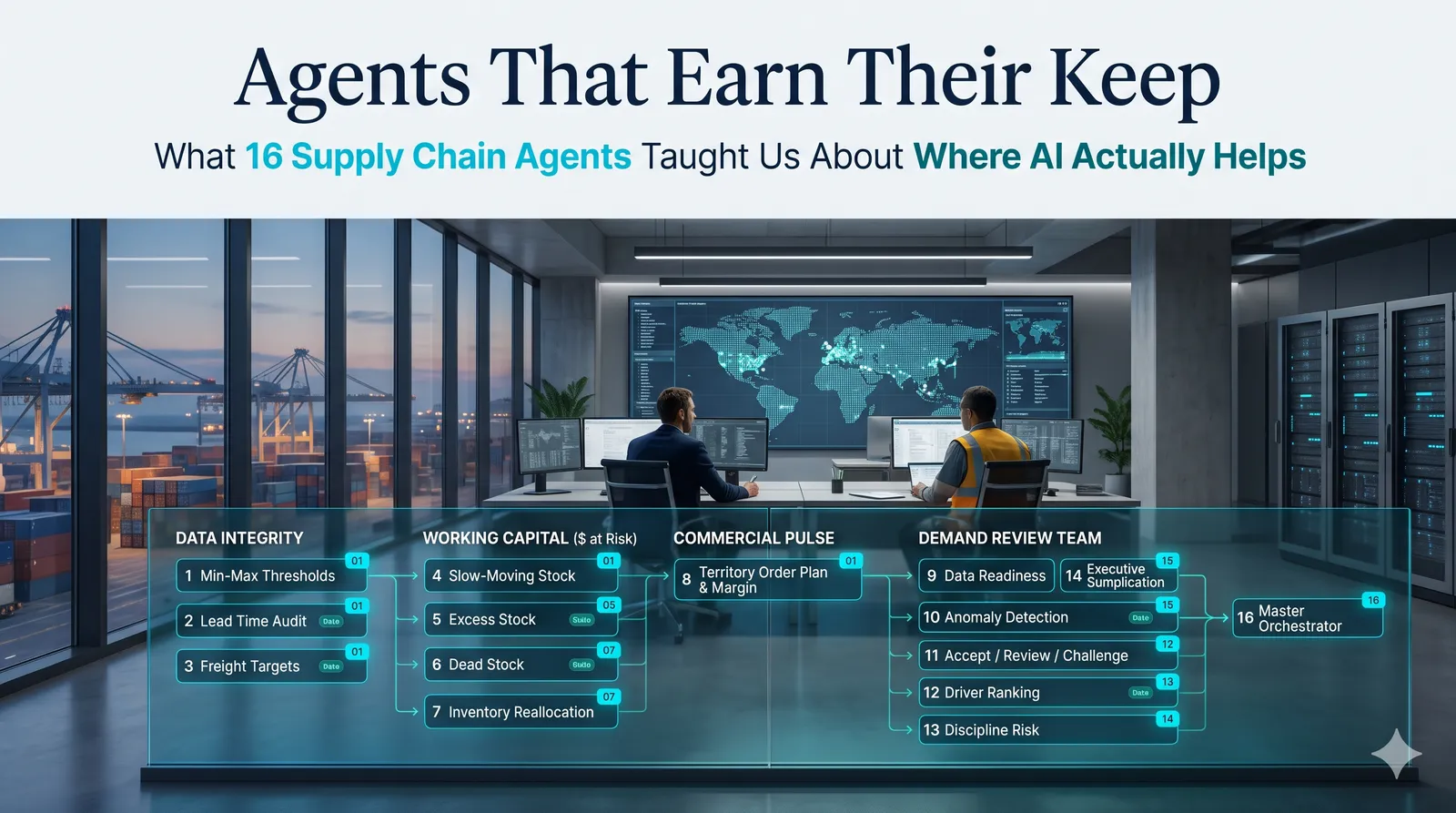
Canvas Agents is the agentic layer, and it's built on a "we build, you build" model. Out-of-the-box agents handle the monitoring and exception work planners spend too much time on — stockout alerts, forecast accuracy checks, weekly S&OP prep. When a team needs something specific to their business, they can build and configure their own agents on the same layer, without waiting on a services engagement.
Canvas Insights delivers ad hoc insights and temporal dashboards, surfacing trends, risks, and anomalies planners might otherwise miss proactively — not just when someone remembers to pull a report.
Together, these three components are what makes frequent, operationally lightweight scenario analysis possible — the thing that turns scenario planning from a quarterly exercise into a weekly habit.
Built to Actually Get Used: Time to Value, Transparent Pricing, and No Rip-and-Replace
A platform only matters if teams adopt it, so we built Canvas around a few commitments that most enterprise AI tools skip.
Time to value is measured in weeks, not quarters, because the domain model ships built-in rather than requiring months of configuration before a planner sees a useful answer. Configurability lets each customer layer their own fiscal calendars, policies, and custom logic on top of the shared domain model, so the platform adapts to how a business runs rather than forcing a generic workflow.
On pricing, we did something most AI vendors won't: we made AI credit usage transparent. You can see exactly how many credits a task or workflow consumes, and get an estimate before you run it — no surprise bills, no hidden cost of scale, no guessing what a busy month of scenario analysis will cost. Canvas is also evergreen; platform upgrades don't come with new fees or new implementation projects. And because it integrates with the ERP and systems you already run, adopting Canvas doesn't mean ripping anything out first.
Enterprise AI has earned some of the skepticism it's getting right now. The fix isn't fewer pilots — it's platforms built to leave the pilot stage. That's what we set out to build with Supply Chain Canvas.
If you want to see how Canvas Answers, Agents, and Insights would work against your own supply chain data, schedule a live demo.
FAQs
What is Supply Chain Canvas by Firstshift?
Supply Chain Canvas is Firstshift's AI Native Planning and decision intelligence platform built on three components: Canvas Answers (natural language scenario analysis), Canvas Agents (autonomous monitoring and exception handling with a "we build, you build" model), and Canvas Insights (proactive trend and anomaly detection). It is designed to move supply chain teams from pilot to daily production use in weeks.
What is AI Native Planning?
AI Native Planning means the AI architecture and supply chain domain expertise are native to the platform together. Unlike bolting a chatbot onto legacy planning tools, AI Native Planning ships with the domain model already built: formulas, diagnostic logic, and industry-specific knowledge for verticals like CPG, high tech, and industrial, so scenario analysis and demand sensing work out of the box on day one.
What is the difference between Canvas Answers, Canvas Agents, and Canvas Insights?
Canvas Answers lets planners ask complex questions in plain English and get instant, data-backed scenario analysis. Canvas Agents handles automated monitoring like stockout alerts, forecast accuracy checks, and S&OP prep, and supports custom agent creation. Canvas Insights proactively surfaces trends, risks, and anomalies through ad hoc insights and temporal dashboards.
How long does Supply Chain Canvas take to deploy?
Time to value is measured in weeks, not quarters. The supply chain domain model ships built-in, eliminating the months of configuration most enterprise AI tools require before a planner sees a useful answer. Canvas integrates with existing ERP systems with no rip-and-replace.
How does Firstshift handle AI pricing?
Firstshift makes AI credit usage transparent. Users see exactly how many credits a task or workflow consumes and get an estimate before running it. No surprise bills, no hidden cost of scale. Platform upgrades are evergreen and don't come with new fees or implementation projects.
Does Supply Chain Canvas replace existing ERP or planning systems?
No. Canvas integrates with the ERP and systems already in place. It is designed as a planning and decision intelligence layer, not a rip-and-replace. Customers can configure fiscal calendars, policies, and custom logic on top of the shared domain model.
Why is enterprise AI stuck in pilot mode for supply chain?
Most AI bolted onto legacy planning tools is a chat interface on top of the same static, quarterly-cycle architecture. It can summarize a report but cannot run a supplier disruption scenario against actual inventory and financial data in real time. Planners still spend 70% of their time gathering data, and a single what-if scenario takes 4-6 weeks. The architecture, not the AI model, is the bottleneck.
What makes AI Native Planning different from a point solution?
A point solution can wire an LLM to your data and answer simple questions. AI Native Planning is a platform that ships with the supply chain domain model already built, including industry-specific knowledge for CPG, high tech, and industrial, so scenario analysis, demand sensing, and inventory optimization work on day one without a year-long configuration project.
Ready to see Firstshift in action?
Request a personalised demo and see how Firstshift can transform your supply chain planning.